


Download Me Browser APK – browser, free, web browser, APK, Android, secure, fast, ad-free, incognito, music, videos, cricket, bookmarks, night mode, data saver
Overview
Me Browser is a free web browser designed for Android devices, aiming to deliver a fast, secure, and personalized browsing experience. The software is tailored for users who seek a lightweight yet feature-rich alternative to mainstream browsers. It addresses common pain points such as intrusive ads, excessive data consumption, and limited customization. The browser supports core browsing functions while integrating niche features like cricket-specific content access, music and video streaming, and advanced navigation tools. It is particularly suited for Android users who value convenience, privacy, and entertainment in a single application. While the developer is not specified, the browser’s availability as an APK indicates a direct distribution model, likely appealing to users who prefer sideloading over official app stores. Real-world use cases include daily web browsing, watching videos, tracking live cricket scores, and managing bookmarks for frequently visited sites. The inclusion of a desktop site mode enhances compatibility with websites not optimized for mobile, providing a familiar interface for users accustomed to PC browsing. Despite some features being hidden or difficult to locate, Me Browser presents itself as a reliable tool for users seeking a streamlined, ad-free environment.Key Features & Capabilities
- Ad-Block Functionality: The browser includes built-in ad-blocking to reduce clutter and improve page load speed, contributing to a smoother browsing experience.
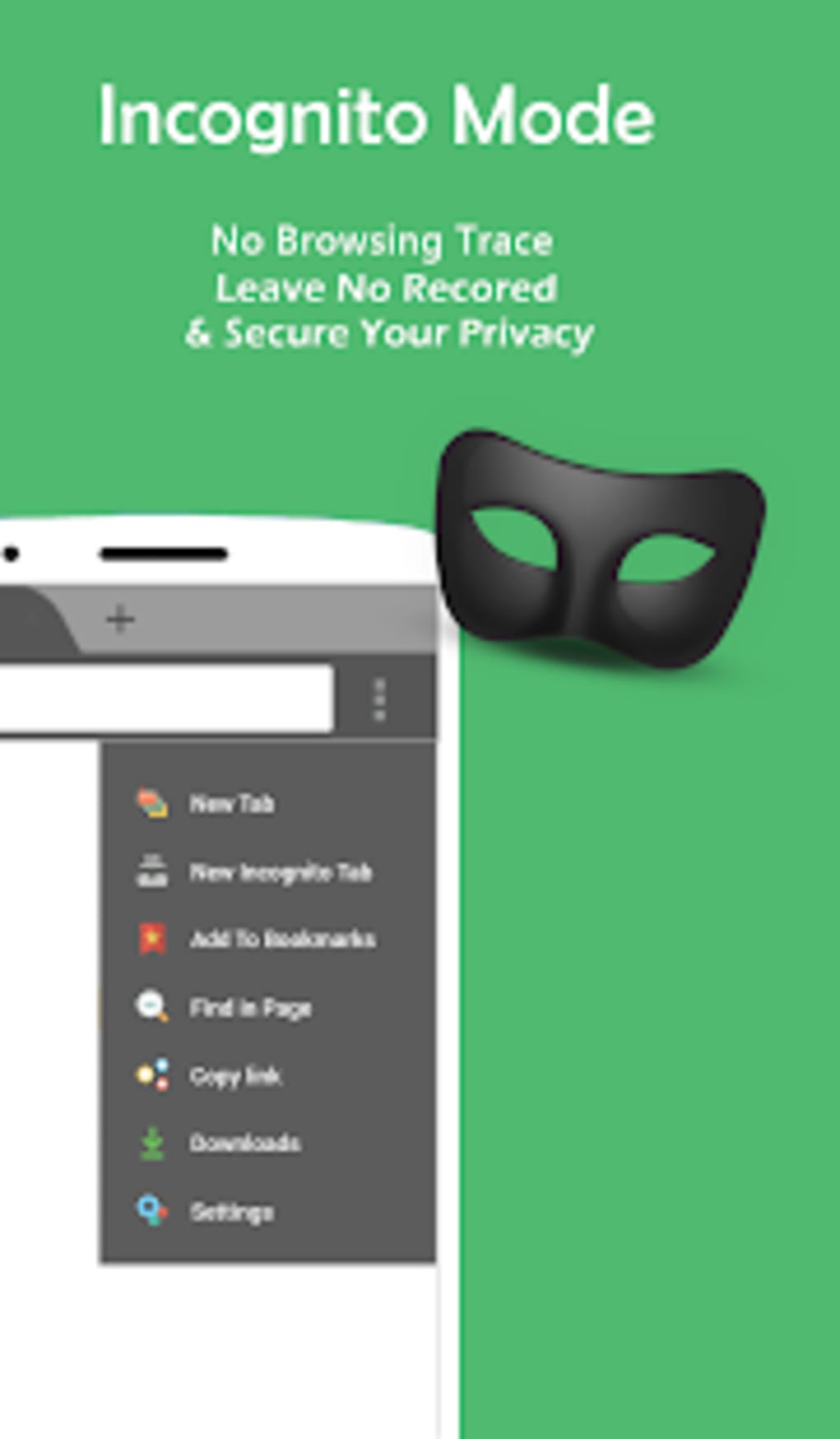
- Incognito Browsing Mode: Users can browse privately without saving history, cookies, or site data, though the feature may require navigation through hidden menus.
- Multi-Tabs Bar: A tab bar allows seamless switching between multiple open pages, improving multitasking efficiency.
- Bookmark Management: Users can save favorite websites for quick access, enhancing productivity and personalization.
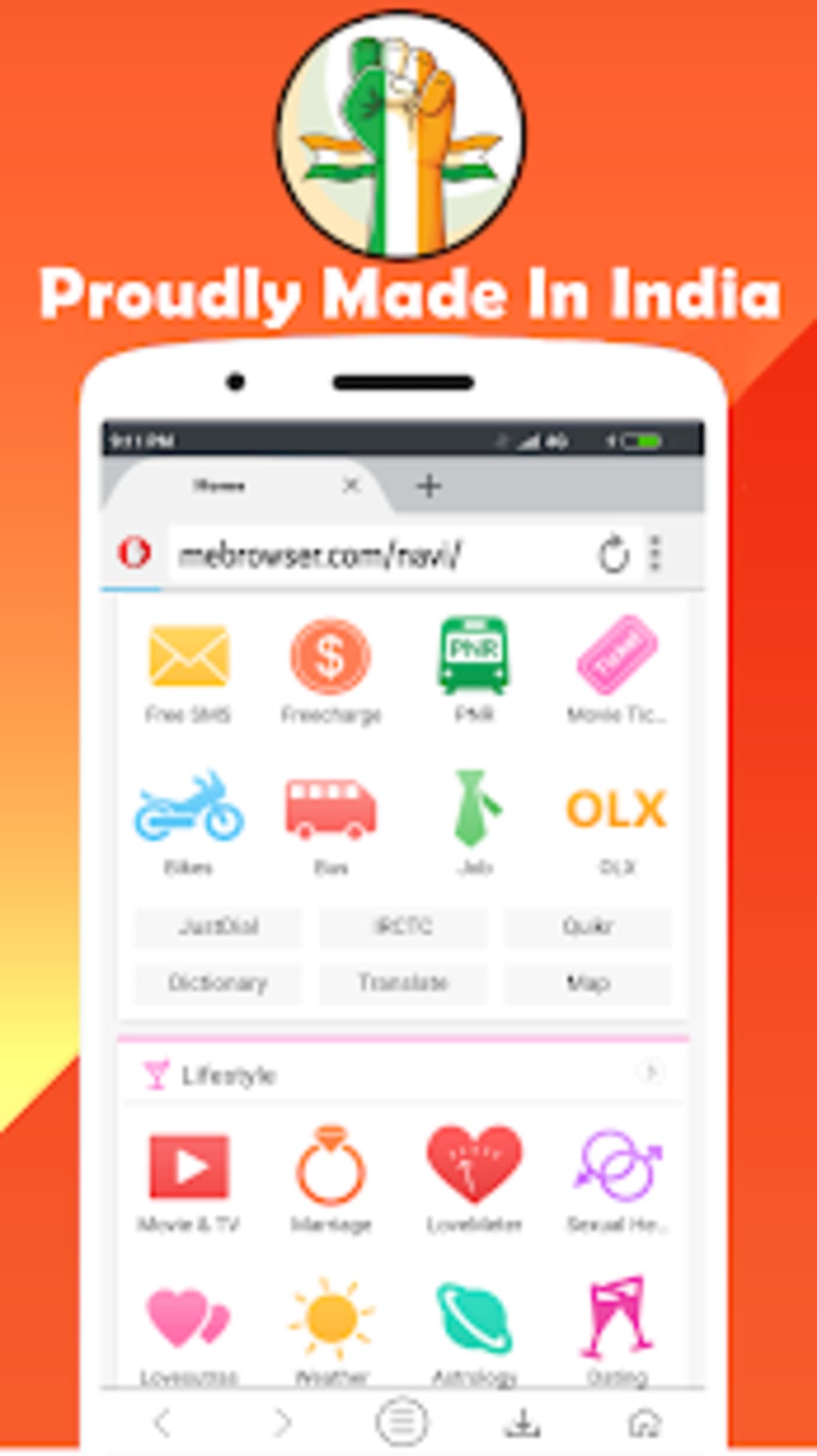
- Customized Cricket Feature: A unique offering that provides tailored cricket news, scores, and updates, catering specifically to sports enthusiasts.
- Night Mode: Reduces screen brightness and adjusts color temperature to minimize eye strain, especially useful during nighttime use.
- No-Image Mode: Disables image loading to conserve data, ideal for users on limited data plans or slow connections.
- Pop-Up Window Blocker: Prevents disruptive pop-ups, ensuring uninterrupted scrolling and viewing.
- Desktop Site Mode: Enables users to view websites in their desktop versions, improving accessibility on mobile devices.
- Music and Video Access: Offers integrated tools for streaming audio and video content directly within the browser environment.
User Interface, Workflow & Performance
The user interface of Me Browser is structured around a clean layout with a focus on accessibility and functionality. Navigation is primarily handled through a tab bar at the top and a sidebar for quick access to tools and settings. The design prioritizes ease of use, though some features—such as incognito mode and night mode—are not immediately visible, requiring users to explore menu options. This can affect first-time user experience, particularly for less tech-savvy individuals. Workflow efficiency is supported by the multi-tabs bar and bookmark system, enabling users to manage multiple tasks simultaneously. The browser’s performance is optimized for speed, with fast download capabilities and smooth rendering of web content. However, exact performance details were not specified. The developer did not provide additional system requirements or resource usage metrics. General software behavior suggests stable operation under normal conditions, but long-term stability and memory management remain unverified. Users may experience varying performance depending on device hardware and Android version.Compatibility & System Requirements
Me Browser is designed for Android devices and is compatible with various Android versions. The exact operating system range was not specified by the developer. Installation is available via APK file, allowing direct installation without requiring official app store access. The file size is not publicly listed, so users should prepare for variable download and storage needs based on device capacity. Hardware requirements were not provided, and the developer did not specify minimum CPU, RAM, or storage thresholds. Users are advised to ensure their device meets general Android app requirements for smooth operation. Compatibility information is limited, and no official support for iOS or other platforms has been indicated. The software is available for free download on Android devices, with no pricing details disclosed.Pros and Cons
Pros
- Free to download and use without subscription
- Ad-block functionality enhances browsing speed and clarity
- Unique cricket-focused content for sports fans
- Multi-tabs bar supports efficient multitasking
- Night mode reduces eye strain in low-light environments
- No-image mode helps conserve data usage
- Desktop site mode improves website compatibility
- Incognito browsing supports privacy
Cons
- Some key features (e.g., incognito, night mode) are hard to locate
- Limited public information on system requirements
- Developer and version details not disclosed
- APK distribution may raise security concerns for cautious users
- No official update schedule or changelog available
FAQ Section
Is Me Browser available for iOS devices?
Me Browser is currently designed for Android devices only. There is no official version available for iOS.
Is the APK file safe to download?
The safety of the APK file depends on the source. Users should download from trusted platforms to minimize risks. The developer did not provide a digital signature or verification method.
Does Me Browser support offline browsing?
There is no information available on offline browsing capabilities. The browser primarily functions online.
How often are updates released?
The update frequency is not specified. Users are advised to check the official source regularly for the latest version.
Can I use Me Browser without an internet connection?
Me Browser requires an active internet connection to function. It does not support full offline browsing.






.png)
